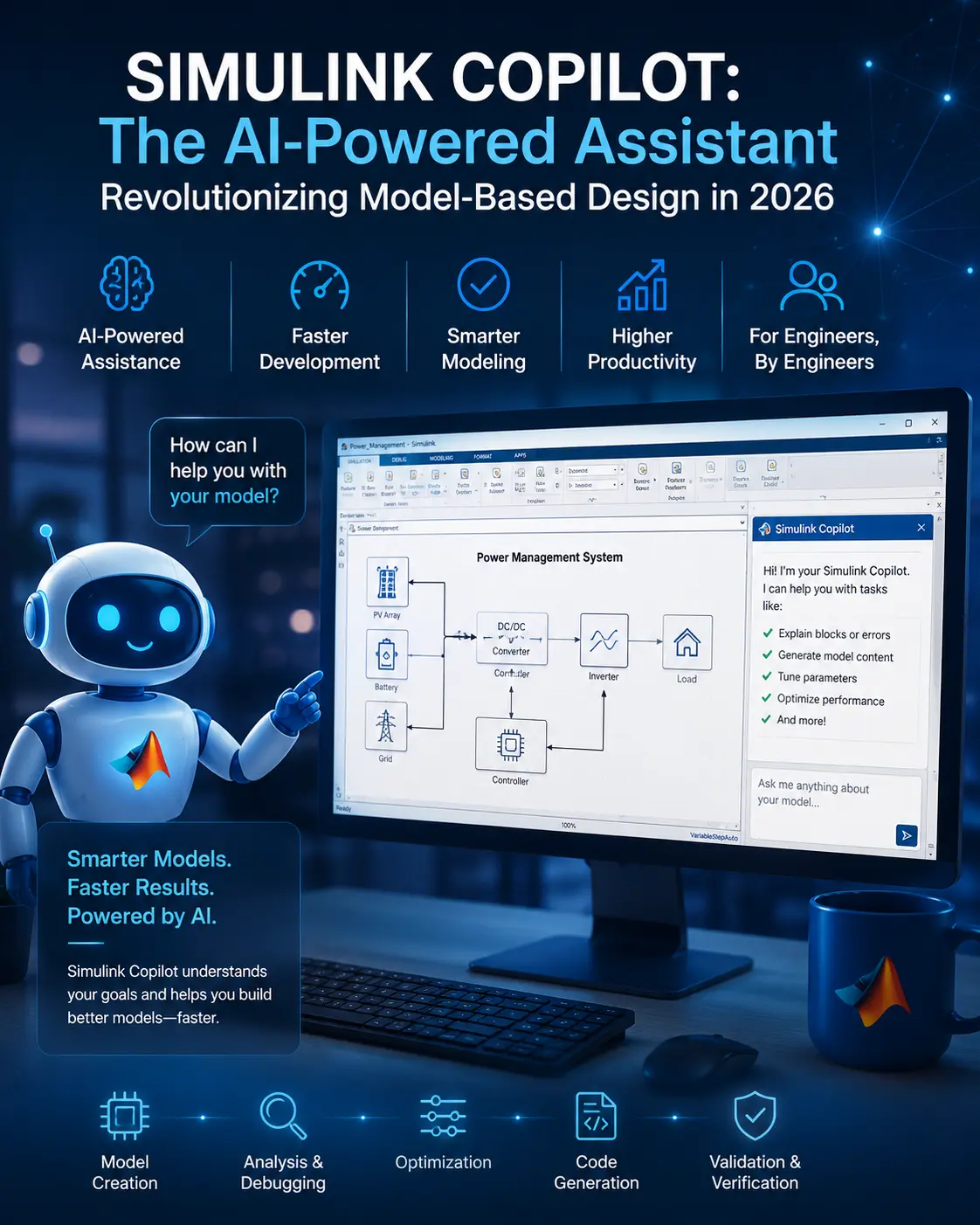
Simulink has long been the industry standard for model-based design — but even expert engineers spend countless hours on repetitive tasks: wiring blocks, debugging signal flows, and hunting for the right toolbox function. Simulink Copilot changes that equation entirely.
Powered by large language models and deep integration with MathWorks toolchains, Simulink Copilot acts as an intelligent engineering assistant that understands your intent — not just your clicks. Whether you're building a control system for an autonomous vehicle or simulating a power electronics circuit, the copilot can draft model sections, explain errors in plain language, and suggest optimizations — all without leaving your Simulink environment.
In this post, we'll break down exactly what Simulink Copilot is, what it can (and can't) do, how to start using it, and why it represents a fundamental shift in how engineers interact with simulation tools.
What Is Simulink Copilot?
Simulink Copilot is an AI-powered assistant embedded directly into the Simulink modeling environment. It combines conversational AI (natural language understanding) with deep contextual awareness of your Simulink model structure, block library, and simulation state.
Think of it as a senior engineer sitting beside you who knows every block in every toolbox — and can respond to plain English instructions like "add a PID controller between the error signal and the plant" or "why is my simulation diverging at t = 0.5s?"
"Simulink Copilot reduces the cognitive overhead of model building so engineers can focus on what matters — the physics and control logic — not the toolbox syntax."
Unlike a generic coding assistant, Simulink Copilot is simulation-aware. It understands signal dimensions, sample times, bus structures, and model hierarchy — which means its suggestions are directly applicable, not just syntactically plausible.
Key Features of Simulink Copilot
- Model Explanation & Understanding — Ask Copilot to explain entire models, specific blocks, subsystems, or Stateflow charts. Perfect for inheriting or debugging large models created by others.
- Error Diagnosis & Troubleshooting — Get clear explanations of simulation errors, solver issues, or code generation warnings, along with step-by-step fix recommendations.
- Design Guidance & Recommendations — Receive expert advice on best practices, block selections, architecture improvements, and tool usage.
- Natural Language Model Search — Use chat to find components quickly (e.g., "Show all PID controllers" or "Locate the gain blocks in the plant model").
- Automation of Routine Tasks — Automate checking modeling standards, running tests, generating code (with Embedded Coder), and more through Process Advisor integration.
- Interactive Modification Support — Copilot suggests precise steps to modify your design based on your goals.