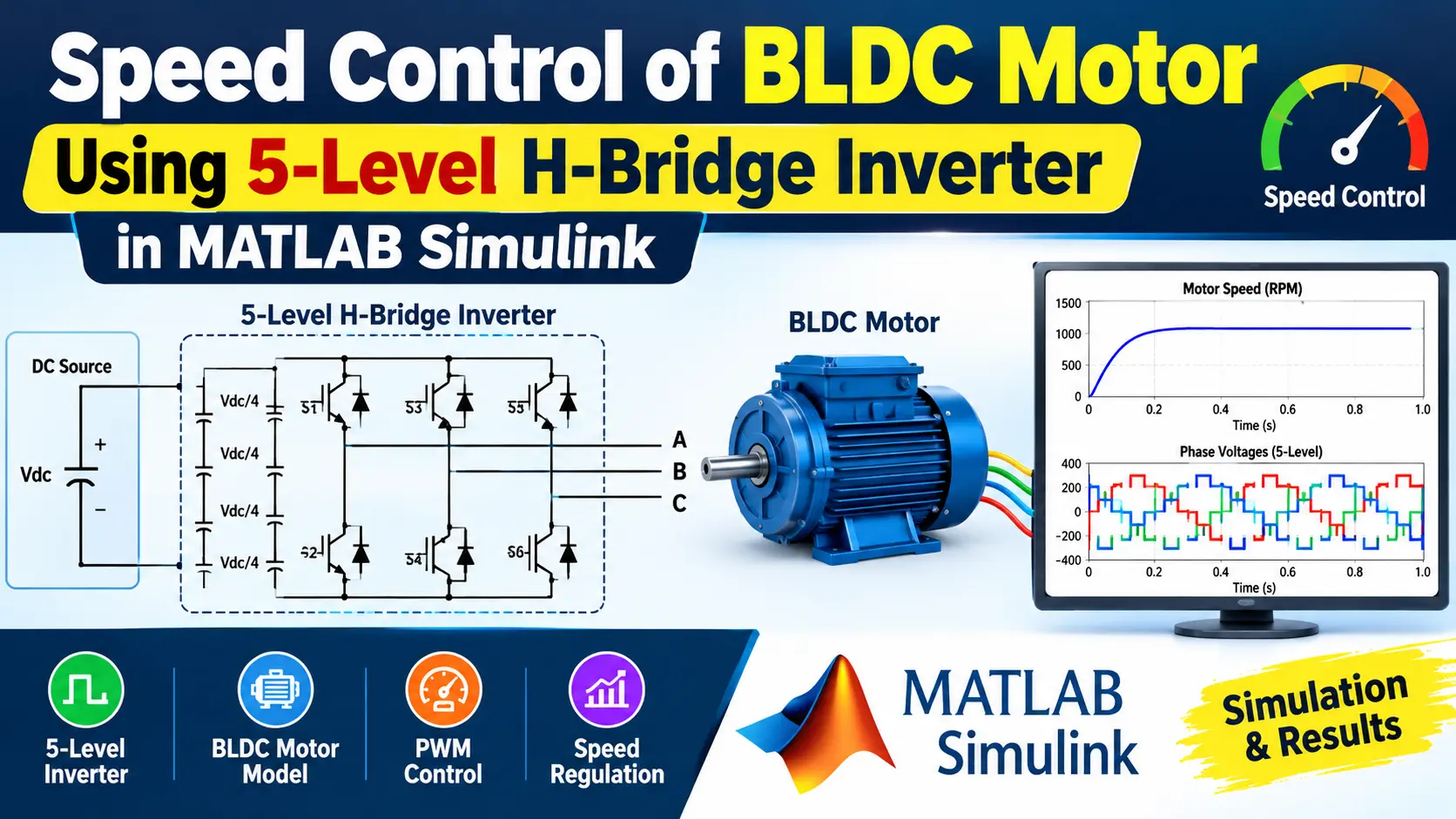
What is Speed Control of BLDC Motor Using a 5-Level H-Bridge Inverter in MATLAB Simulink?
Speed Control of BLDC Motor Using a 5-Level H-Bridge Inverter in MATLAB Simulink is a MATLAB-based technical project and simulation model. Brushless DC (BLDC) motors now power a wide range of demanding applications — electric vehicle drivetrains, industrial servo systems, aerospace actuators, robotic joints, and wind turbine generators. Compared to brushed DC and induction motors, BLDC machines run without contact wear, which extends service life and cuts maintenance costs. Their higher torque-to-weight ratio also matters wherever weight or package size is constrained. Conventional BLDC drives use a standard two-level, three-phase voltage source inverter. At higher DC-link voltages, this topology creates problems. Each switching transition produces a steep voltage edge (high dV/dt) that stresses the winding insulation, generates high-frequency bearing currents, increases electromagnetic interference (EMI), and adds acoustic noise and torque ripple. Multilevel Inverter (MLI) technology addresses these problems by breaking the output voltage into smaller steps. Among the available topologies, the Cascaded H-Bridge (CHB) inverter is well suited to motor drives because it is modular, requires no voltage-clamping diodes or flying capacitors, and fails gracefully at the cell level. A two-cell-per-phase CHB produces a five-level phase voltage: +200 V, +100 V, 0 V, -100 V, and -200 V. Each voltage step is 100 V, so the peak dV/dt at any transition is roughly half that of a two-level inverter at the same bus voltage. The finer quantization also reduces the Total Harmonic Distortion (THD) in the stator currents, which lowers motor heating, audible noise, and torque ripple. This project implements closed-loop speed control of a BLDC motor using a five-level CHB inverter in MATLAB Simulink. The model covers the complete drive chain: isolated DC supply cells, H-bridge switching stages, Hall-sensor-based commutation, a PI speed controller, and phase-disposition PWM generation — tested under step-speed and load-torque disturbance conditions.
Project Methodology
- System Modeling: Develop a BLDC motor model in MATLAB Simulink by defining its electrical and mechanical parameters — stator resistance (0.5 Ω), d/q-axis inductance (8.5 mH), back-EMF constant (0.175 V·s/rad), rotor inertia, friction coefficient, and pole pairs. Use the Permanent Magnet Synchronous Machine (PMSM) block in trapezoidal back-EMF mode to accurately represent the BLDC machine.
- 5-Level H-Bridge Inverter Design: Design a two-cell-per-phase Cascaded H-Bridge circuit using four IGBT/Diode pairs per cell from the Simscape Electrical library. Feed each cell from a separate 100 V isolated DC source. Connect the two cells in series per phase so that the combined output produces five discrete voltage levels: +200 V, +100 V, 0 V, -100 V, and -200 V.
- PWM Switching Control: Implement a carrier-based Pulse Width Modulation (PWM) technique at a switching frequency of 10 kHz. Apply a phase-disposition strategy where the Cell 2 carrier is phase-shifted 180° relative to Cell 1. This arrangement cancels the dominant harmonic at the carrier frequency and reduces the overall current THD to the 4–8% range at rated load.
- BLDC Motor Drive Integration: Connect the inverter output to the motor block and configure the six-step commutation sequence using a MATLAB Function block that decodes rotor angle into Hall sensor signals (HA, HB, HC). Map each of the six sectors to the correct pair of conducting switches (e.g., Sector 1: Q1 + Q6, Sector 2: Q1 + Q4) and verify synchronization between the switching signals and motor operation.
- Speed Control Strategy: Implement closed-loop speed control using a PI controller. The controller compares the reference speed with the measured rotor speed, computes a duty-cycle command, and feeds it through a Saturation block (limits: 0 to 1) into the PWM generator. Use starting gains of Kp = 0.8 and Ki = 15; fine-tune with the Simulink PID Tuner app if the motor parameters differ. Set the solver to ode23tb with a maximum step size of 1×10⁻⁵ s for accurate power-electronics simulation.
- Simulation and Testing: Run the complete MATLAB Simulink model under different operating conditions: a 1500 rpm step-speed reference and a load-torque disturbance of 10 N·m applied at t = 0.3 s. Evaluate the speed response (target: settling time 80–120 ms, overshoot below 5%), phase voltage waveform (five levels must be visible), phase current THD (measured via Powergui FFT Analysis), and electromagnetic torque ripple. Document the results and tune the controller if the response falls outside the target range.
Verified MATLAB Simulation Code Demonstration
Syntax-highlighted executable code demonstration for Speed Control of BLDC Motor Using a 5-Level H-Bridge Inverter in MATLAB Simulink:
% State-Space Control & Stability Analysis
clc; clear; close all;

% System Matrices
A = [0 1; -4 -5];
B = [0; 1];
C = [1 0];
D = 0;

sys_ss = ss(A, B, C, D);
Co = ctrb(A, B);

% Pole Placement Control
desired_poles = [-3 + 4i, -3 - 4i];
K = acker(A, B, desired_poles);

sys_cl = ss(A - B*K, B, C, D);
fprintf('State Feedback Controller Formulated Successfully!\n');